
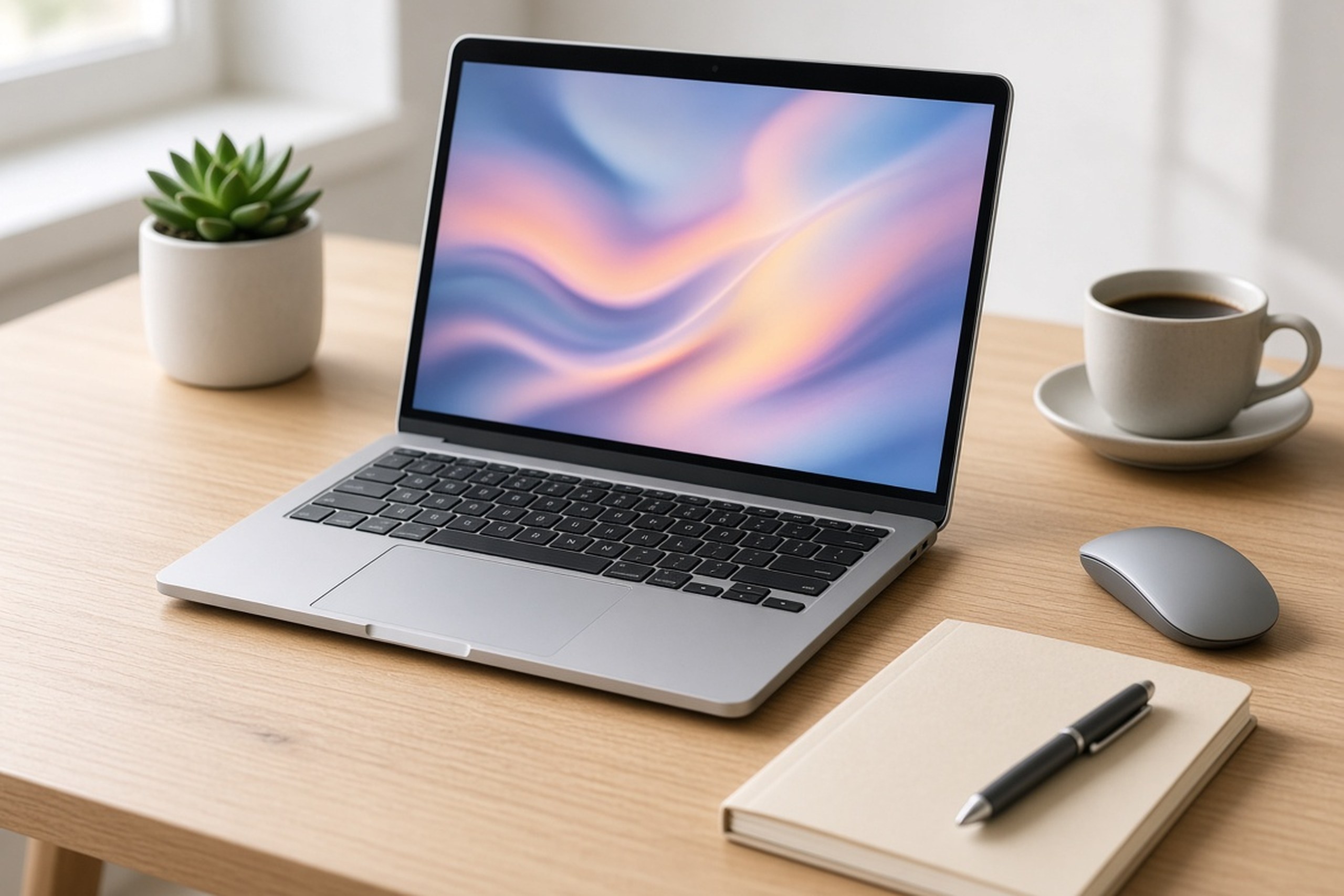
A laptop is one of the most important tools for work and school, so choosing the right one is worth some careful thought. With so many brands, models, and specifications available, comparing options can quickly become confusing. The best laptop isn’t necessarily the most expensive one; it’s the one that matches how you’ll actually use it. Here’s a practical guide to the key features to consider when buying a new laptop for work or school.
Identify How You’ll Use Your Laptop
Start by thinking about your daily tasks. Will you mainly use your laptop for web browsing, email, documents, and video calls? Or do you need to run demanding software for video editing, graphic design, programming, data analysis, or engineering? Students may also need to check whether their school or program recommends specific requirements.
Understanding your needs helps you avoid overspending on power you won’t use or underspending on a machine that struggles to keep up. Make a short list of the programs you rely on and check their recommended system requirements.
Choose the Right Operating System
The operating system shapes your entire experience. Windows laptops are available in a wide range of designs and price points and support a broad selection of software. macOS is found on Apple laptops and is popular with many creative professionals. ChromeOS is a lightweight, web-focused system often used in schools and by people who work primarily in a browser.
Consider which system you’re most comfortable with and whether the software you need runs on it. Some workplaces and academic programs rely on applications that are only available for certain operating systems.
Understand the Processor
The processor, or CPU, is the brain of your laptop and has a major effect on speed and responsiveness. Entry-level processors can comfortably handle everyday tasks, while mid-range and high-end processors are better suited to multitasking and demanding applications.
Because processor names and generations change frequently, it helps to compare current models using independent reviews and benchmark results rather than relying on model numbers alone. Newer generations often offer better performance and efficiency than older ones at similar price points.
Get Enough Memory and Storage
Memory (RAM) affects how smoothly your laptop handles multiple apps and browser tabs at once. For basic tasks, 8GB is commonly considered a practical minimum today, while 16GB or more provides more comfortable multitasking and better support for heavier software. On many thin laptops, memory cannot be upgraded later, so choose carefully.
For storage, a solid-state drive (SSD) is strongly recommended because it is much faster than a traditional hard drive. Consider how many files you keep locally; cloud storage can supplement a smaller drive, but having enough built-in space prevents frustration down the road.
Consider Display Quality and Size
You’ll spend hours looking at your laptop’s screen, so display quality matters. Common screen sizes range from compact 13-inch models to larger 15- and 16-inch options. Smaller laptops are easier to carry, while larger screens make multitasking and detailed work more comfortable.
Look at resolution, brightness, and color quality, especially if you work with photos, video, or design. Matte screens can reduce glare in bright rooms, and a touchscreen or 2-in-1 design may be useful for note-taking and presentations.
Prioritize Battery Life and Portability
If you carry your laptop between classes, meetings, or job sites, battery life and weight are key considerations. Manufacturer battery claims are often based on light usage, so read independent reviews for a more realistic sense of how long a laptop lasts during a typical workday.
A lightweight, durable design makes daily commuting easier. Check the charger size as well, since a compact charger is more convenient to pack. If you often work away from outlets, look for laptops that support fast charging, which can restore a meaningful amount of battery in a short break between classes or meetings.
Check Ports and Connectivity
Make sure the laptop can connect to the devices you use every day. Many modern laptops have fewer ports, which may require adapters. Before buying, consider the following:
- USB Ports: Check for USB-C and USB-A ports to connect drives, accessories, and chargers.
- Video Output: Look for HDMI or USB-C display support if you use an external monitor or projector.
- Wireless Standards: Newer Wi-Fi and Bluetooth versions offer faster, more reliable connections.
- Webcam and Microphone: A clear webcam and quality microphones are essential for video calls and online classes.
- Card Readers and Audio Jacks: These can be handy for photographers, musicians, and anyone using wired headphones.
Test the Keyboard and Build Quality
A comfortable keyboard and responsive trackpad make a big difference during long writing sessions or workdays. If possible, try laptops in person to test key spacing, travel, and backlighting. A sturdy build with minimal flex usually indicates better durability.
Don’t forget about security features, such as fingerprint readers or facial recognition, which make it quicker to sign in while keeping your files protected. Students and frequent travelers may also want to consider laptops designed to withstand bumps and minor spills, along with a protective sleeve or case.
Set a Budget and Look for Value
Laptop prices vary widely, so set a realistic budget before shopping. Focus your spending on the features that matter most for your work, such as memory and processor for demanding tasks or battery life and weight for portability. Many students can take advantage of educational discounts, and seasonal sales can offer meaningful savings.
Review the warranty and support options as well. An extended warranty or accidental damage protection may be worthwhile for a device you rely on every day.
Choosing a Laptop That Works for You
The right laptop supports your productivity, fits your lifestyle, and lasts for years. By identifying your needs, comparing processors, memory, storage, displays, and battery life, and setting a clear budget, you can confidently choose a machine that serves you well at work or school.
Take your time, read independent reviews, and test devices when you can. A thoughtful purchase today will make every assignment, project, and meeting a little easier.